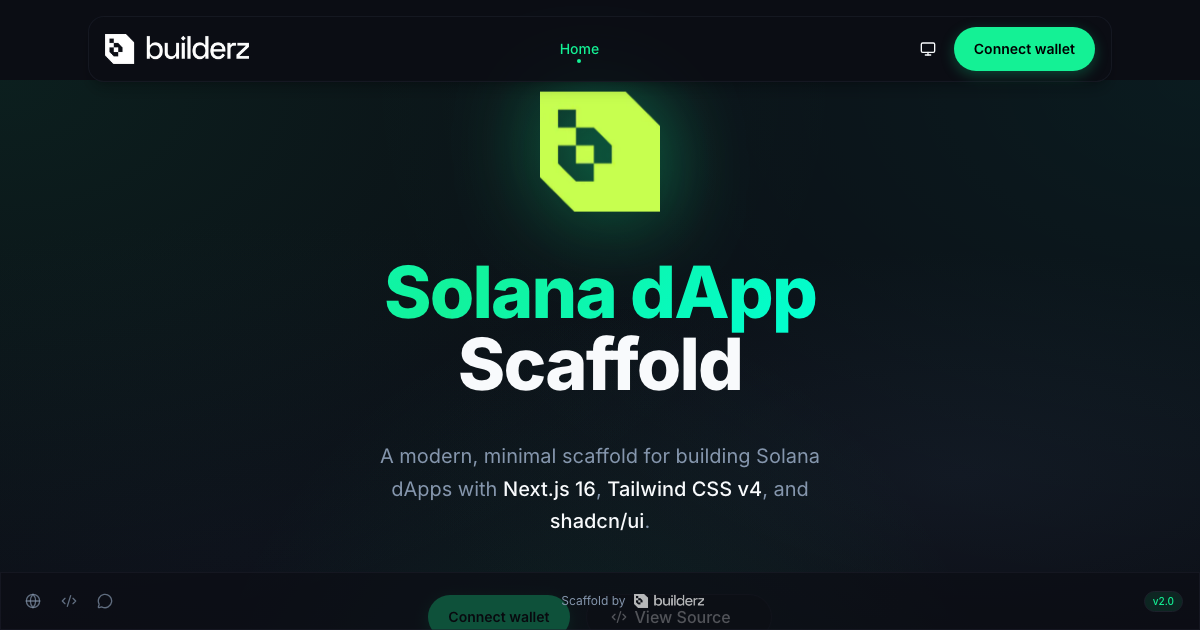

The Builderz Solana dApp Scaffold gives you a Next.js frontend with wallet connection, a Tailwind CSS theme, and a mobile menu built with shadcn/ui. Start here if your first milestone is letting someone open a page, choose a Solana wallet, and see which account they connected. You can reach that milestone with an empty wallet. Connecting asks the wallet to share an account with the site. Sending SOL would require a separate transaction.
Run the starter locally
Clone the template, install the versions in its lockfile, and start the development server. This walkthrough uses Node.js 26 LTS and pnpm 12.21.0. The commands fetch the revision introduced in the modernization PR so they work while the default branch is under review. Scaffold modernization PR
git clone https://github.com/builderz-labs/builderz-solana-dapp-scaffold.git
cd builderz-solana-dapp-scaffold
git fetch origin refs/pull/12/head
git switch -c my-solana-app df662de93a8f24005f289f34c659e130c0c64715
pnpm install --frozen-lockfile
pnpm dev
Open http://localhost:3000 in a browser with a Solana wallet installed. Choose the wallet, approve the connection in its own window, and compare the displayed address with the account you selected. If you use multiple browser profiles, open the site in the one where you installed the extension. Scaffold source and setup instructions
Find the three files you’ll change first
The first screen lives in app/page.tsx. Replace the demo hero with the first action your user should take. Keep an entry point to connect a wallet so someone arriving directly at that screen can use it.
The wallet control lives in components/wallet/wallet-button.tsx. The starter uses the same control on the home screen and in navigation. If you change how it displays an address, check both surfaces. A full Solana address that fits on a laptop can push controls off a phone screen.
The updated client lives in lib/solana-client.ts. This file pairs the wallet chain with the RPC endpoint. The React wrapper in contexts/ContextProvider.tsx shares that client with the page. Older forks configured the endpoint directly in the wrapper. The wallet supplies an account. The RPC endpoint determines which cluster your app reads. The same address can have different balances on devnet and mainnet. When a wallet connects successfully but a balance looks wrong, check the endpoint before changing the wallet code. Solana cluster reference
Add a shadcn component to the Tailwind theme
Open the mobile menu for a working example. Its trigger uses the local Button component, and the drawer uses Sheet. Their source lives in components/ui, so you can change a focus style or the width of a drawer without maintaining a separate component package.
The updated scaffold pins Tailwind CSS 4.3.5 and the shadcn CLI 4.23.0. To see where another component would land, preview a Badge from the project directory.
pnpm exec shadcn add badge --dry-runThe CLI reads components.json to find the UI directory and stylesheet. Run the same command without the dry-run flag to add the source. Theme tokens such as primary and background live in styles/globals.css. Changing those tokens updates components that use the corresponding Tailwind utilities. shadcn configuration · Tailwind CSS v4 with shadcn/ui
Check which wallet stack your fork uses
Open package.json before copying a wallet example. The November main-branch snapshot used Wallet Adapter and web3.js 1.x. The Builderz modernization moves the provider to Solana Kit and the React wallet hooks. These versions have different provider and hook APIs. Use the example that matches the imports in your checkout. Original scaffold revision · Solana frontend guide
In the updated scaffold, a fresh checkout uses devnet. For a team with a dedicated devnet endpoint, copy .env.example to .env.local and set both values together. Replace the example URL with the public endpoint your provider assigned to your app.
NEXT_PUBLIC_SOLANA_CLUSTER=devnet
NEXT_PUBLIC_SOLANA_RPC_URL=https://your-devnet-endpoint.example
Restart the dev server, or rebuild if you are testing a production bundle. Next.js embeds NEXT_PUBLIC_ variables in browser code. For a public frontend, use an endpoint intended for browser traffic and apply your provider’s origin and quota controls. Keep private RPC credentials in server-side code. Next.js environment variables · Builderz guide to choosing a Solana RPC
Test the wallet flow before writing a transaction
- Open the page in a clean browser profile. Try the connect control without an installed wallet and check that you can still reach the rest of the page.
- In a profile with a wallet, open the chooser and cancel. Try again, connect an account, and confirm the home screen and navigation display the same connection.
- Open the mobile menu, disconnect, and return to the home screen. Every wallet control should offer to connect again.
- For your first feature, read the connected account’s devnet balance and display the cluster beside it. Handle a zero balance and an unavailable RPC endpoint as separate states. A failed lookup tells you nothing about how much SOL the account holds.
When that read works, add the instruction your product needs. Give the user a chance to review the action before asking the wallet to sign it, then track confirmation independently of the wallet prompt. Builderz guide to Solana transaction confirmation